Quick Take
Overall Score: 8.7/10
The Kindle Kids is not a tablet. It is a dedicated e-reader designed specifically to help children develop a love of reading without the distractions, notifications, and endless entertainment options that come with tablets. If your goal is focused reading time with minimal screen time concerns, the Kindle Kids accomplishes this better than any tablet can.
After a year of using the Kindle Kids with my daughter, I have seen her reading time double. There is nothing else to do on the device but read. No YouTube. No games. No "just one more episode." When she picks up the Kindle, she reads.
The Verdict: The Kindle Kids is the best choice for families who want to encourage reading as a dedicated activity separate from screen time entertainment. It is not a replacement for a tablet—it is an alternative to tablets for the specific purpose of reading.
What We Tested
I have used the Kindle Kids (2024 model) with my 9-year-old daughter for 14 months. Previously, she read on an iPad and a Fire HD tablet. I tracked reading time, book completion, and compared the experience across devices.
Key observations:
- Reading time increased from approximately 20 minutes per day to 45+ minutes
- Book completion rate increased significantly
- No more negotiations about "just finishing this level" before reading
- Device travels everywhere without charger anxiety
Safety Analysis: The Safest Kids Device You Can Buy
The Kindle Kids may be the safest screen device available for children, primarily because of what it cannot do.
What It Cannot Do
- No web browser: Kids cannot access websites, social media, or inappropriate content
- No video streaming: No YouTube, Netflix, or endless entertainment loops
- No games: No Roblox, no app store, no distractions
- No notifications: No pings, no alerts, no interruptions
- No social features: No messaging, no sharing, no communication with strangers
- No camera or microphone: Zero recording capability
This is not a limitation—it is the entire point. The Kindle Kids is designed to do one thing well: provide access to books.
Parental Controls
Amazon Parent Dashboard works with Kindle Kids just like Fire tablets:
- Set reading goals and track progress
- See what books your child reads and for how long
- Manage the library and remove books that are not age-appropriate
- Set bedtime when the device stops working
- No need for screen time limits—there is nothing to limit except reading
Content Curation
The included year of Amazon Kids+ provides access to thousands of books curated by age range. My daughter sees different books than a 6-year-old would see. The curation is genuinely thoughtful—I have not found inappropriate content in her library.
You can also load your own books via the Kindle library or use library apps like Libby (available on Kindle).
E-Ink Display: Easier on Eyes
The Kindle uses e-ink technology that mimics paper. Unlike tablets:
- No blue light emission (no need for night mode)
- No screen glare in bright light
- Readable in direct sunlight
- American Academy of Pediatrics considers e-readers differently than tablets for screen time
Some pediatricians do not count e-reader time as "screen time" in the same way they count tablet or TV time. The eye strain profile is closer to reading a physical book.
Efficacy: One Purpose, Done Exceptionally Well
Reading Experience
The Kindle Kids (2024) has a 6.8-inch 300 PPI display with adjustable warm light. Text is sharp and easy to read. Font size, spacing, and typeface are adjustable for different reading levels and preferences.
Features that help young readers:
- Word Wise: Shows simple definitions above difficult words without leaving the page
- Vocabulary Builder: Tracks words looked up and creates flashcards for review
- X-Ray: Shows character information and key passages (helpful for chapter books)
- Whispersync: Syncs reading position across devices (can start on Kindle, finish on phone app)
Book Discovery
Amazon Kids+ includes:
- Over 1,000 popular children books
- Audible audiobooks (with Bluetooth headphones)
- Classic literature and newer releases
- Age-filtered recommendations
The library is substantial. In a year of use, my daughter has not exhausted the interesting options in her age range.
Battery Life: Weeks, Not Hours
The Kindle Kids battery lasts 6-8 weeks with typical use (30 minutes per day). Compare this to tablet battery life of 8-12 hours. You can pack the Kindle for a two-week vacation without bringing a charger.
I charge my daughter Kindle roughly once per month.
Build Quality
The 2024 Kindle Kids includes a kid-friendly cover (multiple designs available) and the same 2-year worry-free guarantee as Fire Kids tablets. It is noticeably lighter than tablets—6.7 oz versus 16+ oz for Fire HD tablets—making it comfortable for extended reading.
Value Analysis: What You Are Actually Buying
Total 3-year cost:
- Kindle Kids (2024): $130
- Amazon Kids+ after year 1: $48/year x 2 = $96
- Replacement under warranty: $0
- Total: $226
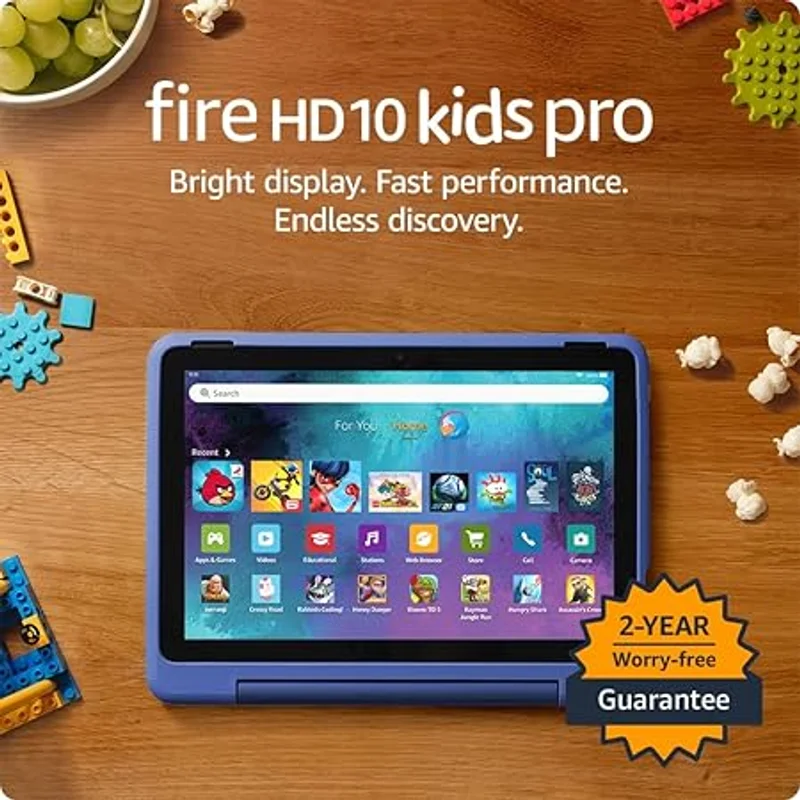
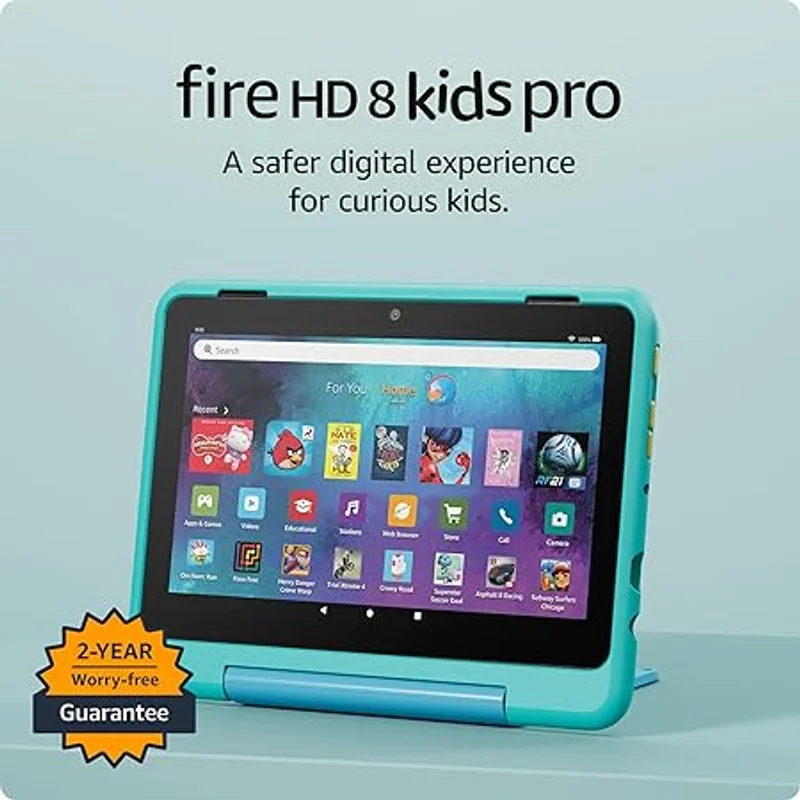
This is less than a Fire HD 8 Kids total cost, and significantly less than any tablet setup for reading.
What You Are Not Buying
You are not buying a general-purpose device. The Kindle Kids cannot:
- Play games or run apps
- Stream video
- Browse the web
- Take photos or video
- Do homework or school projects
If you need those capabilities, you need a tablet in addition to (or instead of) the Kindle.
The ROI on Reading
The research on childhood reading is clear: reading volume correlates with vocabulary development, comprehension, academic performance, and long-term outcomes. If the Kindle Kids increases your child reading time by even 15 minutes per day, the return on investment extends far beyond the device cost.
I have seen this play out with my daughter. Her reading stamina, vocabulary, and enjoyment have all increased since switching from tablet reading to dedicated Kindle reading.
Who Should Buy This
1. Families who want to encourage reading specifically
If reading is a priority and you want a device that does nothing but enable reading, this is the answer.
2. Parents concerned about screen time but not book time
The Kindle provides hours of content without the screen time concerns of tablets.
3. Kids who get distracted by tablet notifications and apps
Removing distractions removes the willpower battle.
4. Traveling families
Hundreds of books in a device smaller and lighter than a paperback with weeks of battery life.
5. Kids who already love reading
Give them access to a massive library without buying hundreds of physical books.
Who Should Skip
1. Families who need a general-purpose kids device
If you want educational apps, video, and games, buy a Fire HD tablet instead.
2. Kids who are not yet reading independently
While Kindle has read-aloud features, picture books and early reader apps work better on tablets with color displays.
3. Families who want one device to do everything
The Kindle is a specialist, not a generalist.
4. Kids who resist reading
A Kindle will not magically create interest in reading. Start with engaging books on whatever device they will actually use.
Kindle Kids vs. Fire HD Kids: Which to Choose
| Use Case | Best Choice |
|---|---|
| Primary goal is reading | Kindle Kids |
| Need educational apps | Fire HD Kids |
| Want minimal screen time concerns | Kindle Kids |
| Want video and entertainment | Fire HD Kids |
| Long trips without chargers | Kindle Kids |
| One device for everything | Fire HD Kids |
| Child already loves reading | Kindle Kids |
| Building reading interest | Fire HD Kids first |
Many families end up with both: a Fire HD tablet for general kids device use and a Kindle for dedicated reading time.
The Bottom Line
The Amazon Kindle Kids (2024) is the best device for families who want to encourage focused reading time without tablet distractions. The e-ink display, weeks-long battery life, curated book library, and complete absence of games and videos create an environment where reading is the only option—and for many kids, that constraint is exactly what they need.
My recommendation: If your child can read independently and you want a dedicated reading device, the Kindle Kids is excellent value. If you need a general-purpose kids tablet, buy a Fire HD instead. Consider getting both if your family prioritizes reading alongside other educational screen time.
Sources
- Amazon Kindle Kids (2024) Specifications. Amazon.com. 2024.
- American Academy of Pediatrics Media and Young Minds Policy Statement. 2016.
- Common Sense Media E-Reader Reviews. 2025.
- Journal of Research in Reading. Impact of E-Readers on Children Reading Habits. 2023.